5-Minute Introduction to the Nevarix Digital Taskforce
What happens in a Digital Taskforce assessment, screen by screen — and what you'll have at the end of a session of about ten minutes.
- Format
- Walkthrough
- Session length
- About 10 minutes
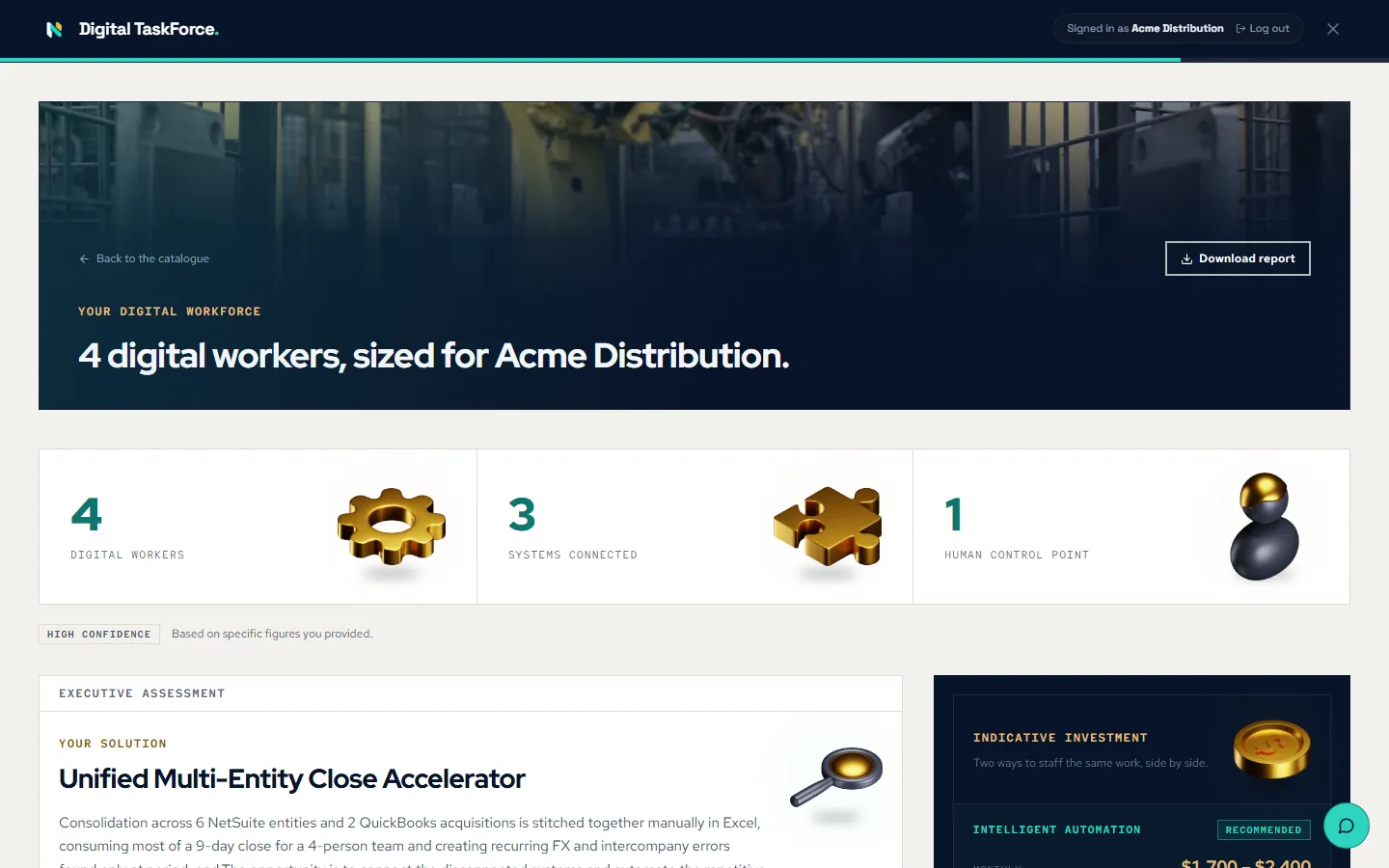
Start with three details
Enter your company, your role and your location, plus the access code your Nevarix contact shared with you. No account to create and nothing to install.
- Company, role and location only
- Access code from your Nevarix contact
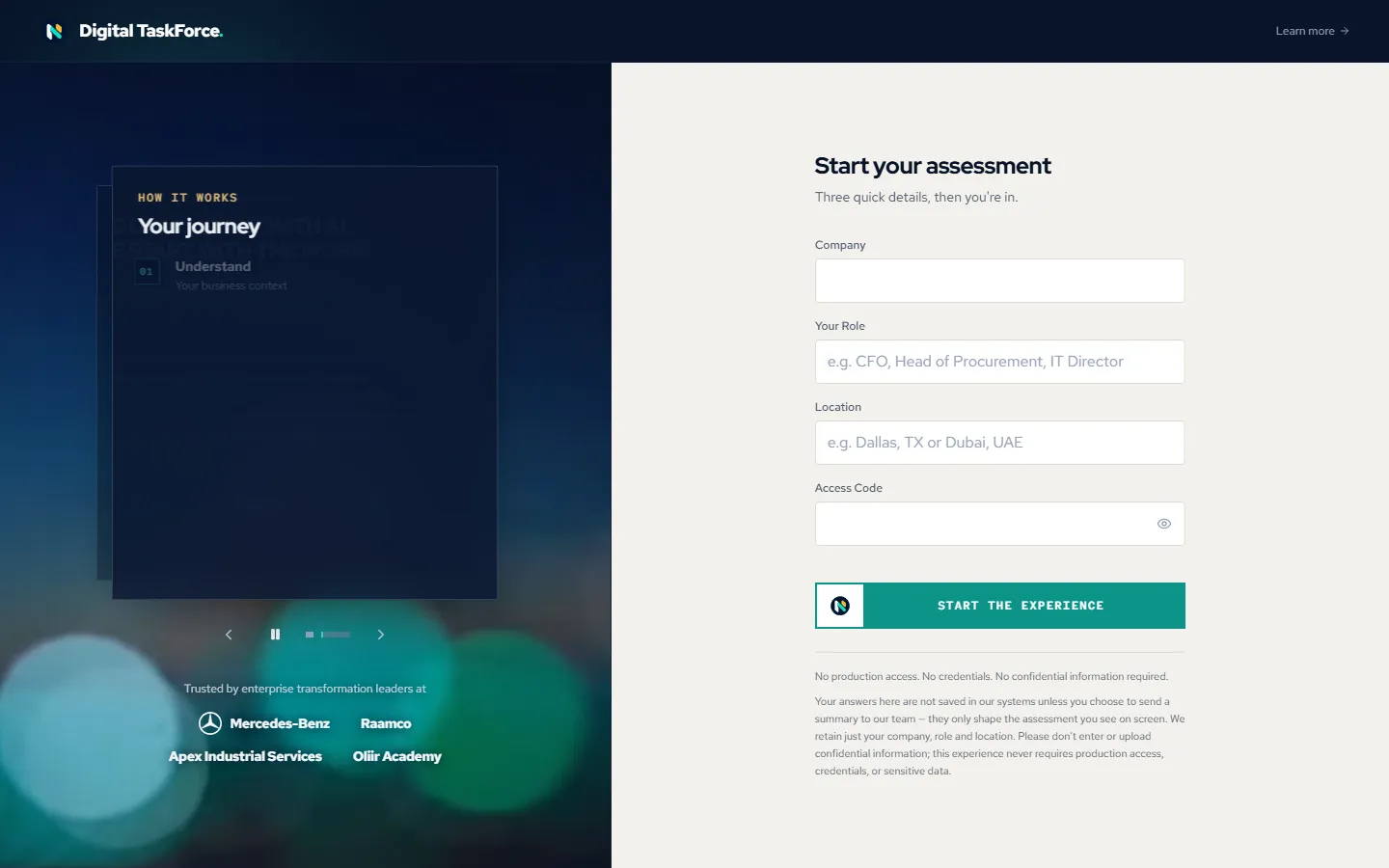
Read our quick take on your business
Before asking you anything, the Digital Taskforce reviews what's publicly known about your company and writes a short brief — so the questions that follow start from your context, not a blank page.
- A short summary of your business
- What stood out from public signals
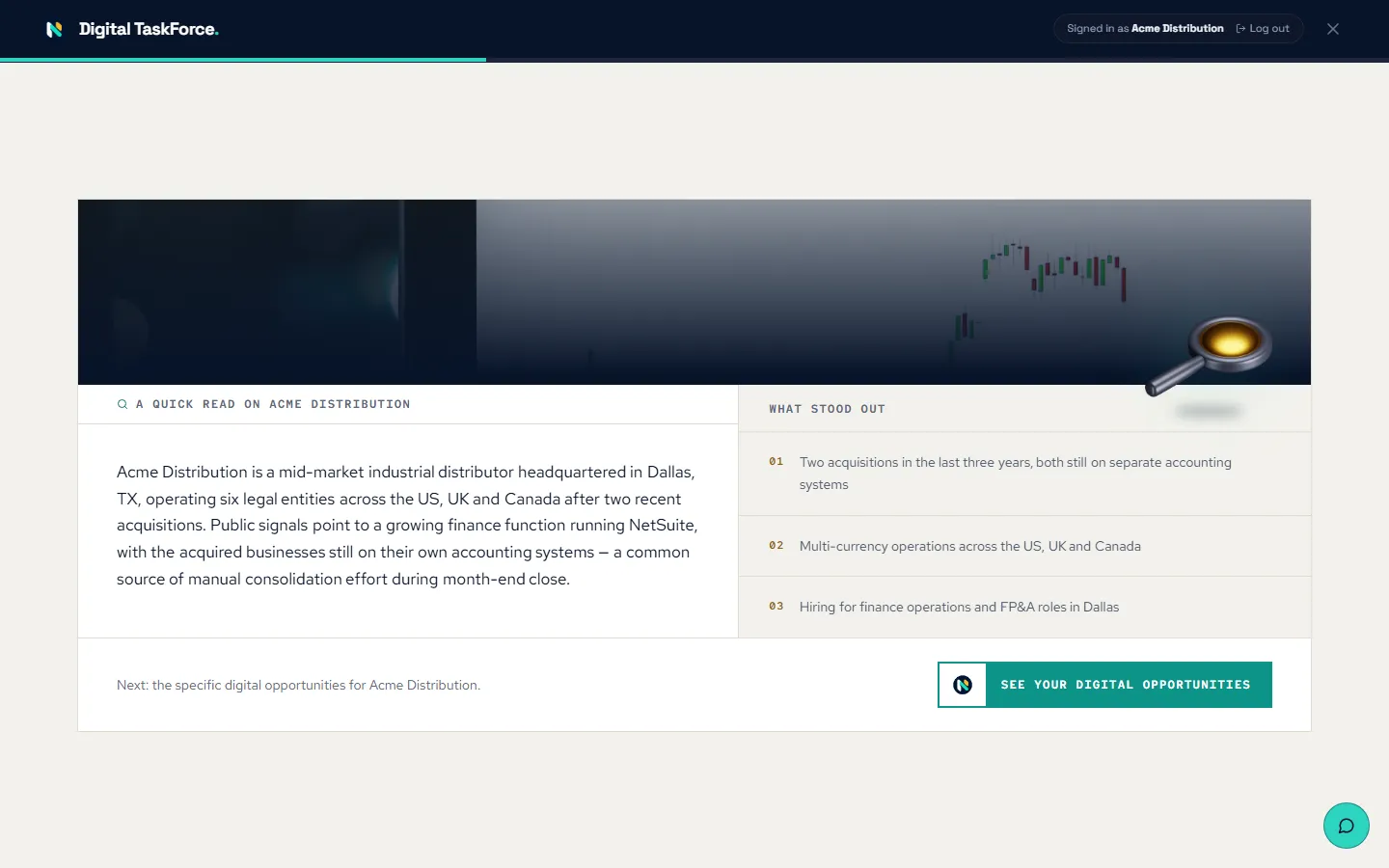
Choose where the pressure is
You're shown four business challenges that companies like yours commonly face — written as business problems, not technology. Pick the one closest to your reality, then the role you'd like to explore.
- Four challenges tailored to your role and industry
- You decide what's worth exploring
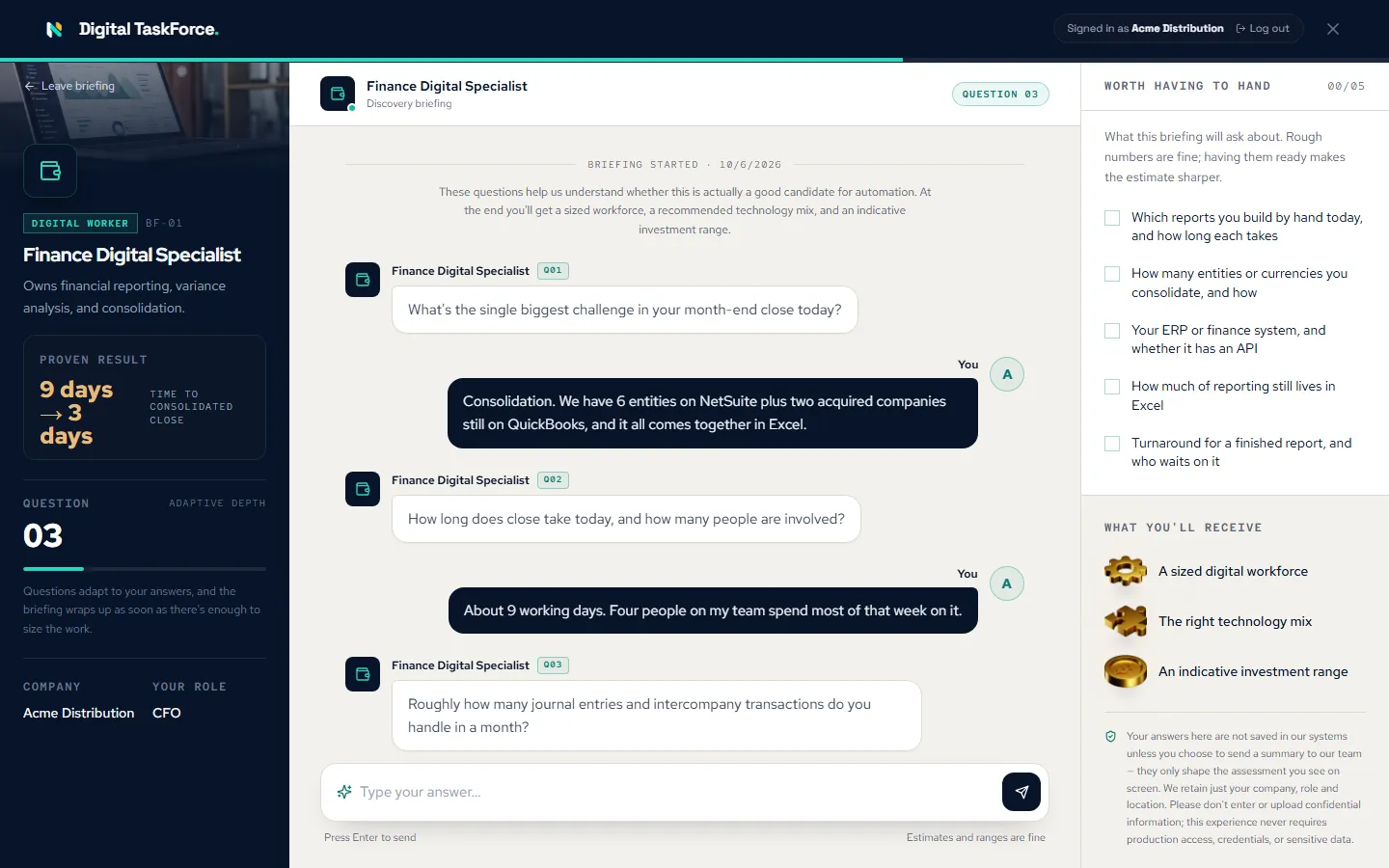
Answer a focused briefing
A short conversation of eight questions, each adapting to your previous answer. Estimates and ranges are fine, and a checklist alongside shows what's worth having to hand.
- Eight adaptive questions
- Ranges are fine — no exact figures needed
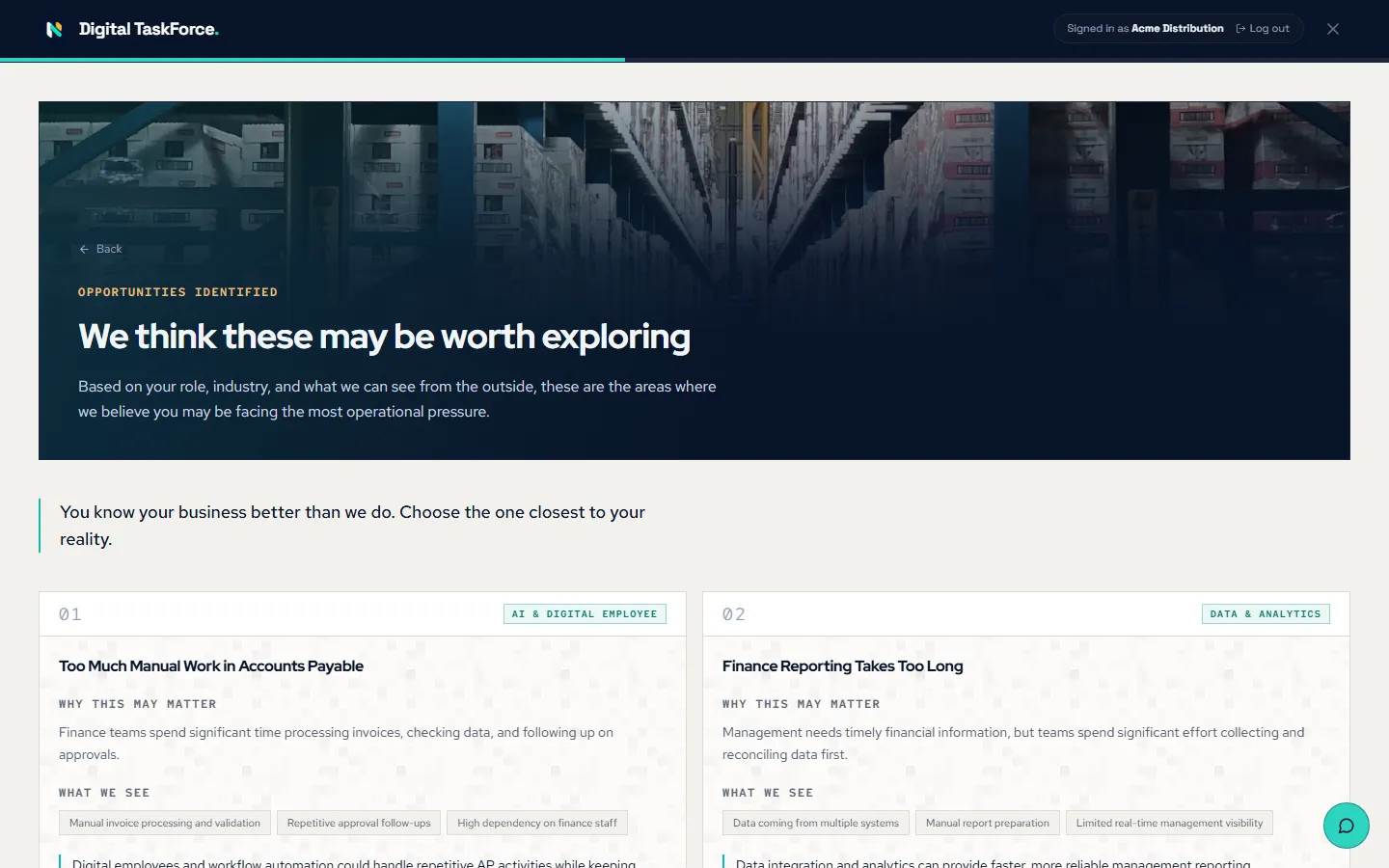
Get your recommendation
You receive an assessment built from your answers: the gaps we identified, a recommended solution, the digital workforce it would take, and an indicative investment range — downloadable as a report.
- Gaps, recommended solution and workforce
- Indicative investment range, downloadable
What we never ask for.
No production access. No credentials. No confidential information required.
Your word-for-word answers are never saved. We keep your company, role and location — and your email, if you choose to give it — plus a short summary of your briefing, the result you see and which steps you reached, so your Nevarix contact can follow up. Please don't enter or upload confidential information; this experience never requires production access, credentials, or sensitive data.

Ready to run it for your business?
The Digital Taskforce assessment applies this thinking to your own processes — and ends with a sized recommendation and an indicative investment range.